Keep Your Training Library Organised with Tags
As a training library grows, finding and managing the right modules becomes more demanding. Tags in Avatar Studio provide a flexible way to organise content around the structure that makes sense for your organisation.
Finding the right module
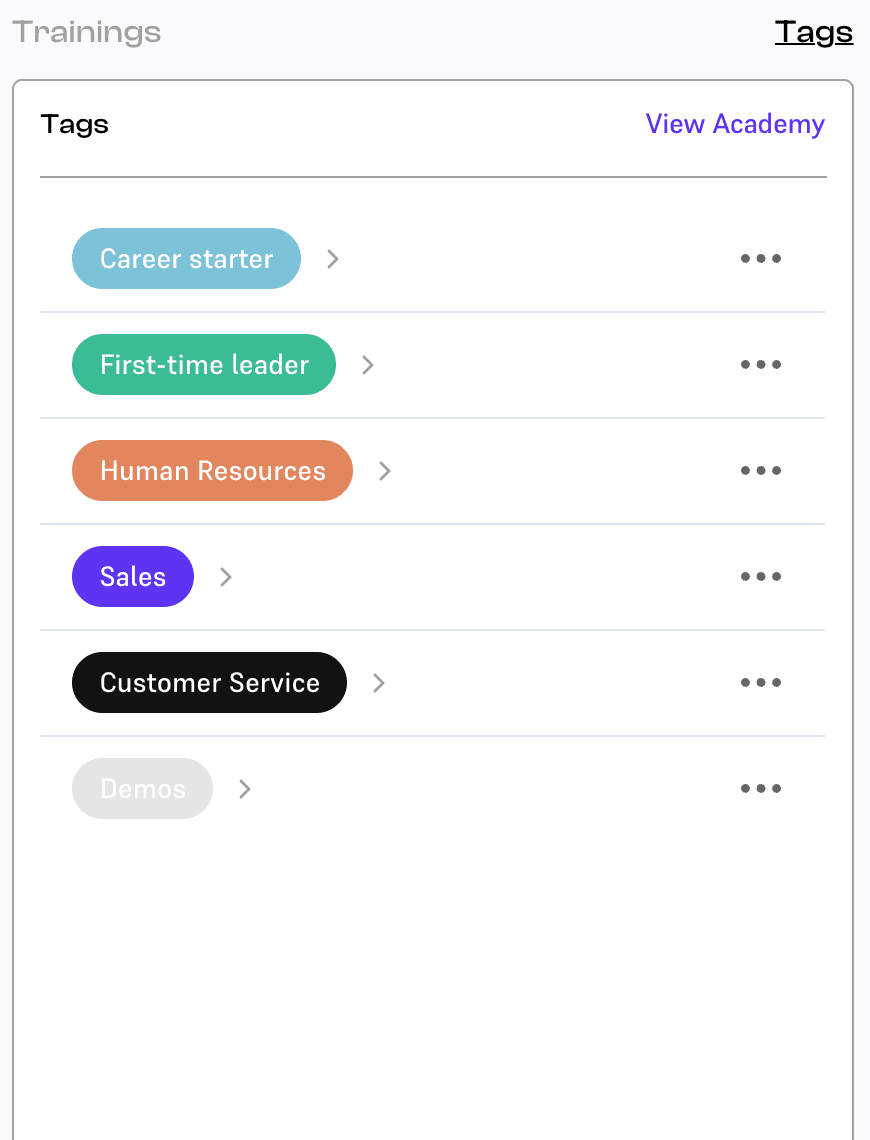
Creators and administrators can assign tags directly to modules. A tag can represent a department, job role, skill area, programme or audience. It can also reflect a theme or topic that connects otherwise separate pieces of training.
Tags make it easier to filter the library and locate the content you need. The goal is straightforward: spend less time searching and more time creating and maintaining useful learning experiences.
Better navigation for learners
Tags also organise modules on the learner-facing Academy page. Learners can browse the categories and themes you have created, rather than work through one long list of modules.
That connects the way administrators structure their content with the way people discover training. A library organised around relevant roles, skills and programmes becomes easier to explore.

Growing with your library
Whether you manage ten modules or hundreds, the same approach helps keep content accessible. You can shape the organisation around your own learning ecosystem as it expands.
Wybren, CEO and Co-Founder of Meta-Skills, described Tags as one of his favourite features of the quarter because it makes organising content easier. The value is in that everyday convenience: a small improvement that becomes increasingly useful as the library grows.