Practice the moments that matter: four new Meta-Skills releases
The presentation is tomorrow. The slides are ready, but the questions are not. Elsewhere, a team member needs to resolve a customer complaint in three minutes, and an L&D team wants to understand which communication skills need more attention across its programmes.
These are the situations behind four new Meta-Skills releases. Live Presentation Mode and Timed Conversations bring practice closer to the conditions people face at work. The All Results page and multilingual qualitative insights help teams make more sense of what happens afterwards.
Live Presentation Mode: rehearse with your real slides
An empty meeting room gives you somewhere to practise a presentation. It does not interrupt with a question about slide four.
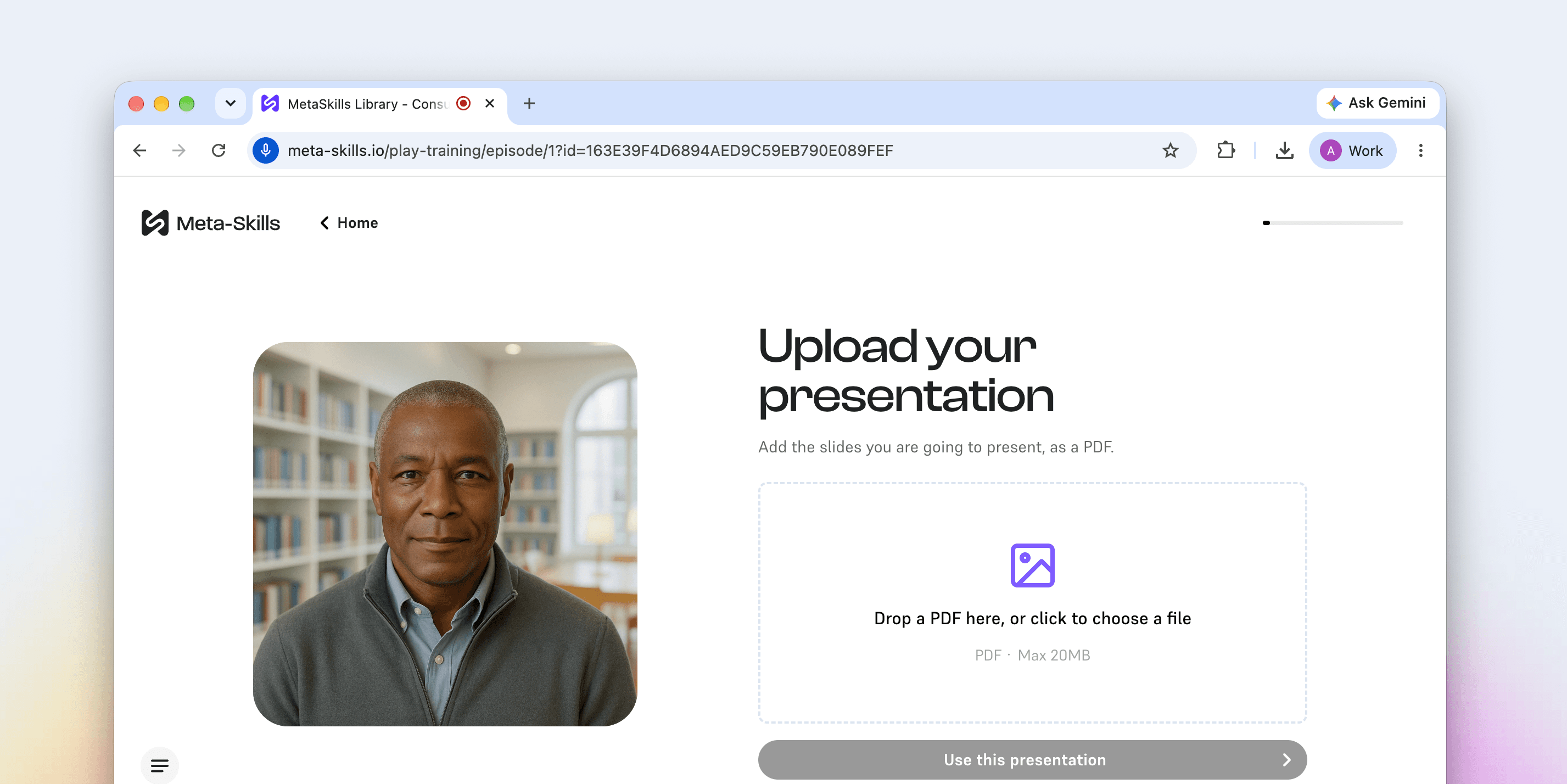
With Live Presentation Mode, learners share their screen and present their actual slides to an avatar. The avatar sees the deck, listens to the delivery, and responds with questions and pushback, giving learners a chance to prepare with the material they will actually use.
For commercial teams, that means rehearsing a pitch, quarterly business review or pricing walkthrough before the customer call. A salesperson can practise explaining the proposal to a sceptical CFO avatar and handle follow-up questions while the relevant slide is still on screen.
For managers and leaders, it creates space to rehearse a board update, town hall or change announcement. They can work on the flow, timing and difficult questions before delivering the message to a real audience.
For people starting their careers, it offers a place to practise a first pitch or team presentation and become more comfortable speaking with slides.
Try it with: a presentation that is already in someone's calendar. Use the real deck and practise the questions they are most concerned about answering.
Timed Conversations: practise getting to the point
Workplace conversations rarely come with unlimited time. A customer has somewhere else to be. An executive has five minutes before the next meeting. A queue is growing behind the person at the counter.
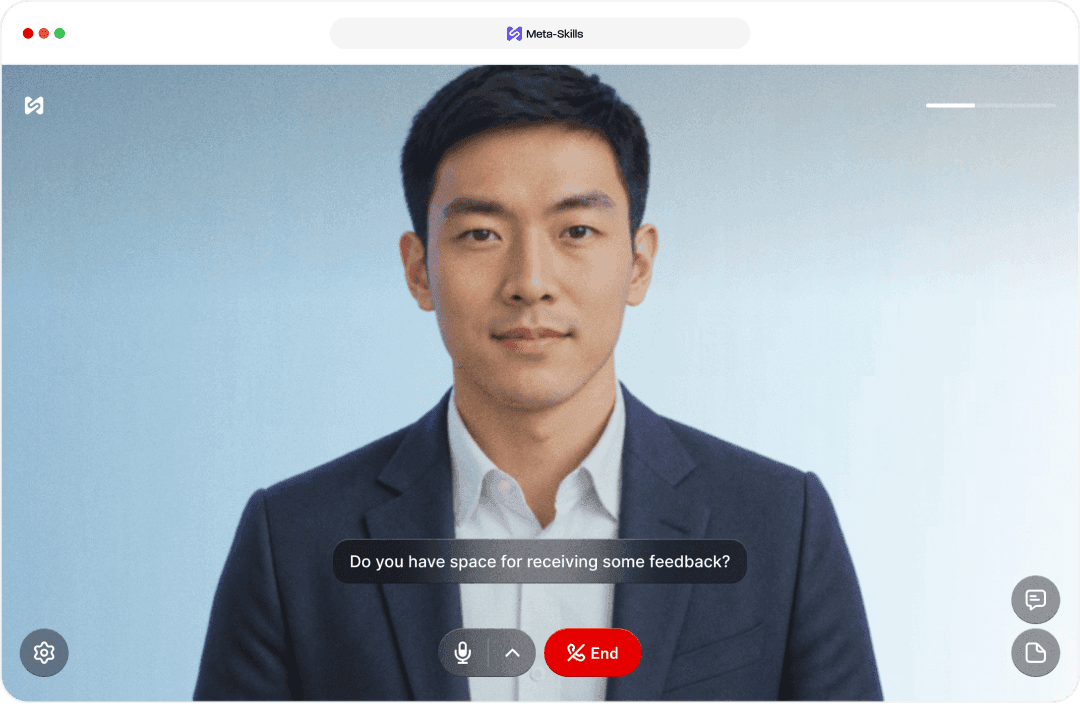
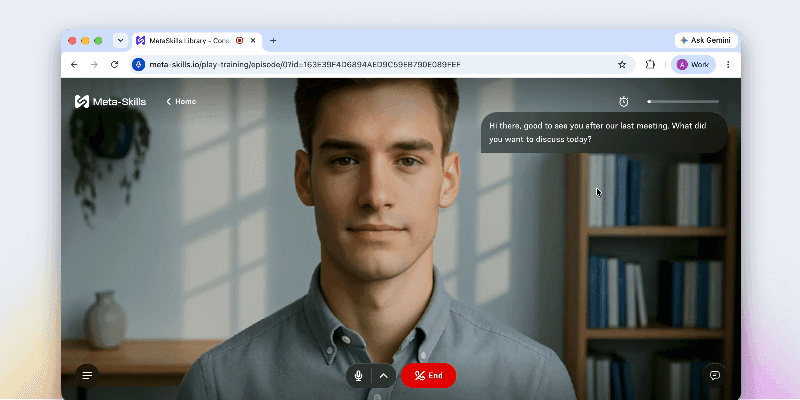
Admins can now set a time limit for any AI conversation. Learners see an on-screen countdown and need to complete the conversational task before it runs out. When the time is up, the conversation ends automatically.
That makes it possible to practise a different kind of challenge: delivering a useful, clear response within the time available.
A retail team can rehearse advising a customer, upselling or resolving a complaint in a few minutes. A manager can practise a concise status update. A colleague can work on making a clear request without spending most of the conversation setting the scene.
The aim is to give learners practice balancing clarity, listening and pace under realistic time pressure.
Try it with: one short conversation your team has regularly. Set a limit that reflects the real situation, then review whether the learner achieved the task within it.
The All Results page: see patterns across training
Practice creates results. Understanding those results becomes harder when they are spread across separate reports.
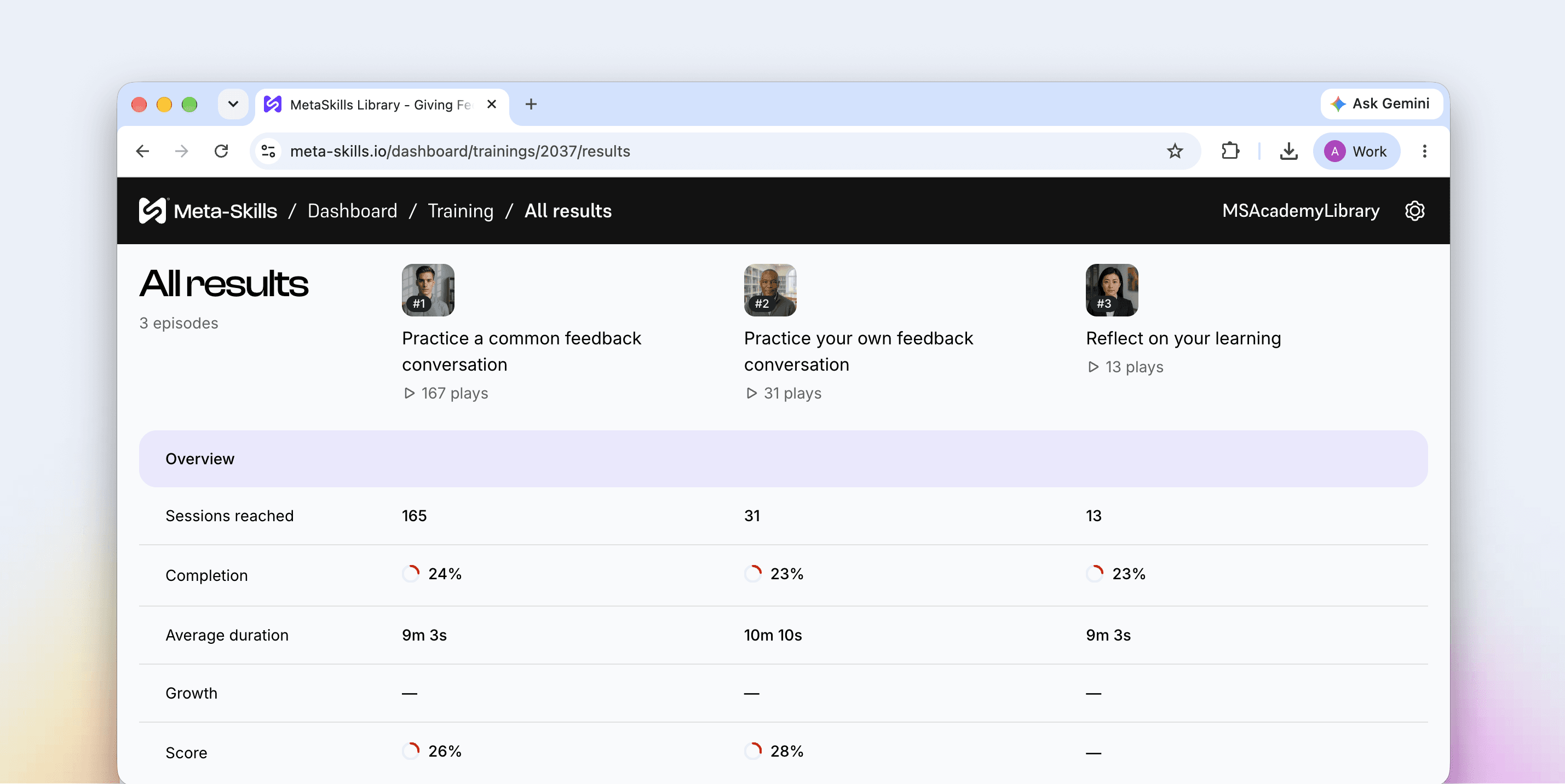
The new All Results page brings training results into one clear table. When different trainings share feedback points, teams can compare those elements side by side across skills and training activities.
For L&D and enablement teams, that makes it easier to explore questions such as:
- Does active listening look stronger in sales training than in leadership training?
- Is structure a recurring area for development across several programmes?
- Which feedback points deserve more attention in the next round of practice?
The shared feedback points matter. They provide the basis for a useful comparison, rather than treating every training result as interchangeable.
Try it with: two trainings that use the same feedback points. Look for a recurring pattern and use it to decide where to focus the next practice activity.
Qualitative insights in more languages
Teams practising in their own language should be able to work with the feedback in that language too.
Qualitative insights in the Meta-Skills dashboard are no longer English-only. This lets local managers and L&D teams read and act on insights in more languages, without an extra translation step.
For international rollouts, that helps bring the conversation about results closer to the people supporting learners day to day.
Try it with: a local team already running training in its own language. Use the qualitative insights as the starting point for a discussion about what to practise next.
Bring practice and results together
These releases support two connected parts of learning: preparing for the situation ahead and understanding where further practice would help.
A learner can rehearse a real presentation or work within a realistic time limit. L&D teams can then explore shared feedback points across training and work with qualitative insights in more languages.
Start with a moment that matters to your team. Choose the practice format that fits it, then use the results to shape the next attempt.
See the new releases in action
Want to try Live Presentation Mode with your own material? Bring a real deck to a 30-minute demo and we will put it in front of an avatar.